

🧠 Clever Linked Terms v1.1.1 is now available.
This update focuses on smoother management, better compatibility, and cleaner workflows for larger glossaries. Please note that WP has finally decided to implement safeguards against instant availability of a plugin update via dashboard whenever a dev pushes their update to the Repo. They now require a 24 wait for review on all updates, so you should see an update notice tomorrow this time.
What’s new:
- Optional SEO fields in Term Studio, with support for SEO title, meta description, Open Graph title/description, and social image.
- SEO plugin detection for Yoast SEO, Rank Math, SEOPress, and All in One SEO.
- Duplicate term detection when creating new terms or importing terms, with duplicates saved as drafts for review.
- Faster admin workflows with AJAX-style filtering/search and pagination for Term Manager and heavier Terms Engine screens.
- New optional compatibility fields for placing shortcode/content before or after the definition and metadata areas on single term pages.
- Better import/export handling, including SEO fields and compatibility placement fields.
- Improved CSV/XML downloads and export handling for larger glossaries.
- More performance polish around Terms Engine, relationship data, and optional module loading.
Clever Linked Terms is free on WordPress.org:
https://wordpress.org/plugins/clever-linked-terms/
User Manual:
https://jeffbrigman.com/clever-linked-terms-user-manual/
Change Log:
https://jeffbrigman.com/clt-change-log/
Join the community:

You can find more information on the SEO and Compatibility fields in the user manual: https://jeffbrigman.com/clever-linked-terms-user-manual/#ch17

Love it! So quick! No block editor? 😳
Shani Cipro will take a bit more work to implement block vs classic editor. Honestly the block editor is a mess that they keep making worse and worse for devs with each new release. There's a ton of talk about it and how Matt has handled it.
I also needed to get the pagination out asap as it can easily cause performance issues for sites with larger term glossaries in the admin area. As is, the glossary loads all data onto those pages, the pagination will limit what loads and then only load the next on the next "page" via ajax. So the performance is significantly better.
Shani Cipro the easiest route for now is for me to add the ability for you to enable to select either the default block editor, the Term Studio editor, or both. I will plan the next minor release for this, and try to tackle implementing it directly into the Term Studio.
Shani Cipro I think I've got it figured out for this, I dissected their Desktop Mode plugin to see how they handle the block editor and realized they are simply doing an iframe in a shell..... which is basically how I was going to attempt it anyway. I did find a better way to do it reviewing their code though than how I was coding it out, which is good because I'm hoping it works better in the long run.
It will be a few days at best before I can push out an update including the block editor.
Shani Cipro I have the block editor working now. There will be a setting under Settings -> General to enable the block editor. When it's enabled, it's the default editor for the definition part only. It will have a small block editor in the Term Studio with the ability to go fullscreen with it.
Any terms made with the classic editor will automatically populate to the blocks editor, so no worries about losing anything. If you switch from blocks editor back to classic, it will retain the content and blocks markup if you look at the code in the editor, but it will not use any blocks styling because the classic editor does not function/recognize the \<!wp> markup that the block editor uses.
I still have quite a bit to do to make this release ready, but wanted to let you know it's on the way.
Jeff Brigman I'm really looking forward to this update!
Weird one for you! The relationship linking toggle won't stay on!
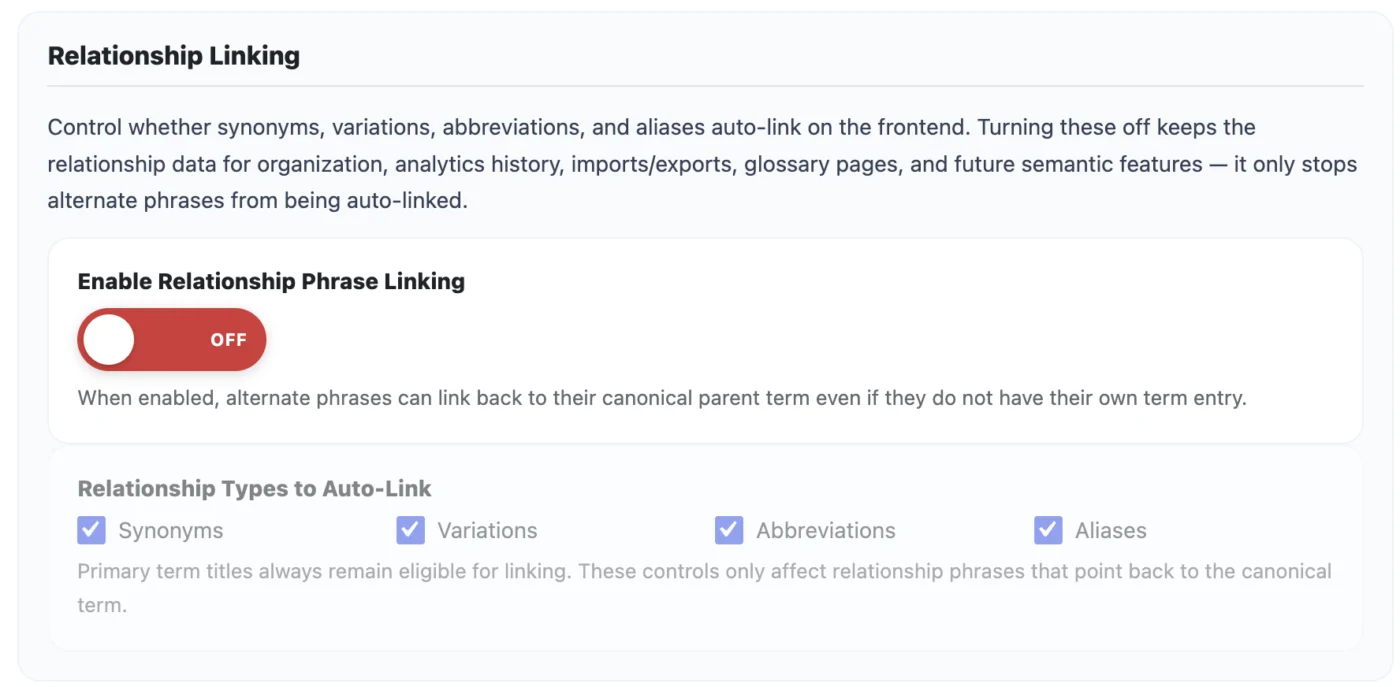
Shani Cipro try clearing your cache (server/site/browser).
I've not had any issues with this and have it installed on multiple staging sites. I just created a new site, installed 1.0.10 then updated to 1.1.0 and had no issues.
Another strange one! Single-word terms aren't auto-injecting, but phrases are!
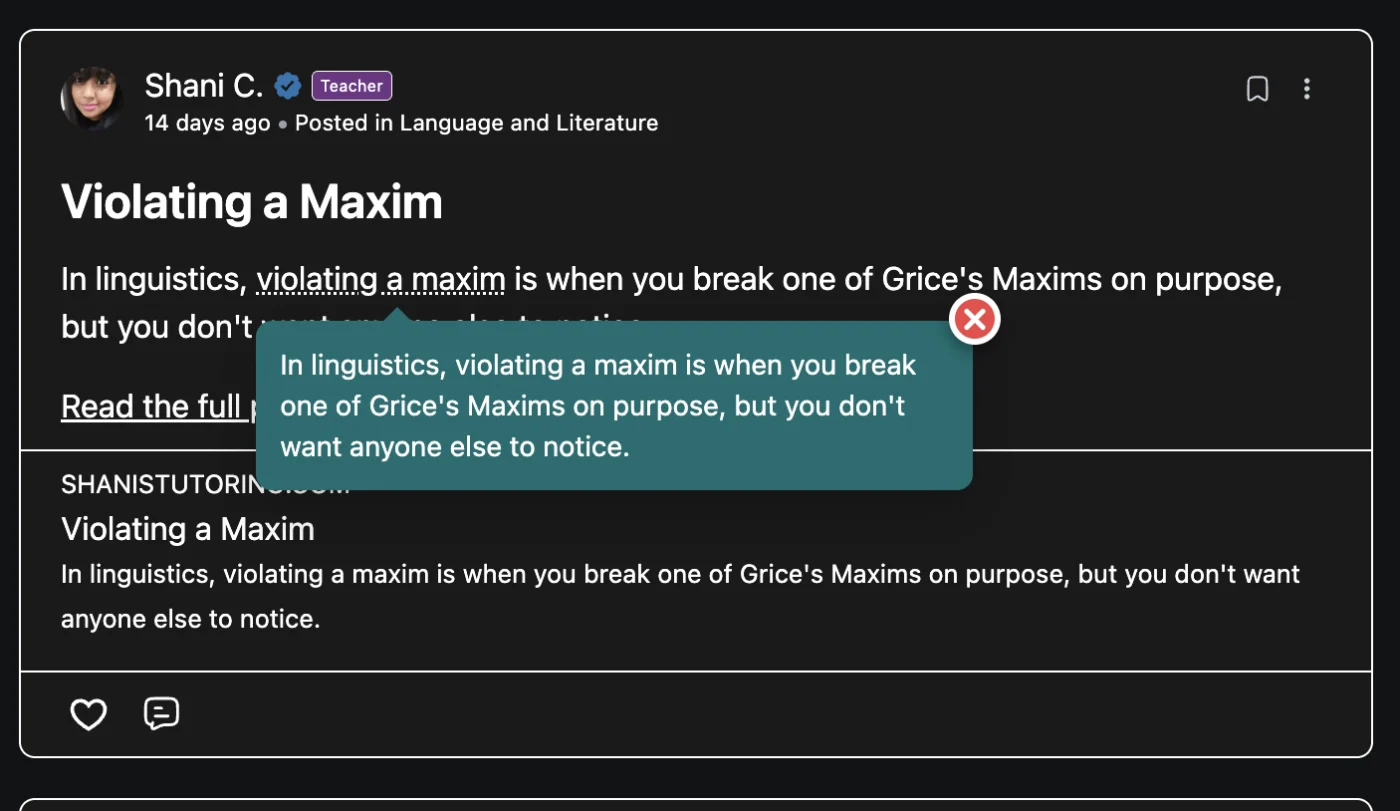
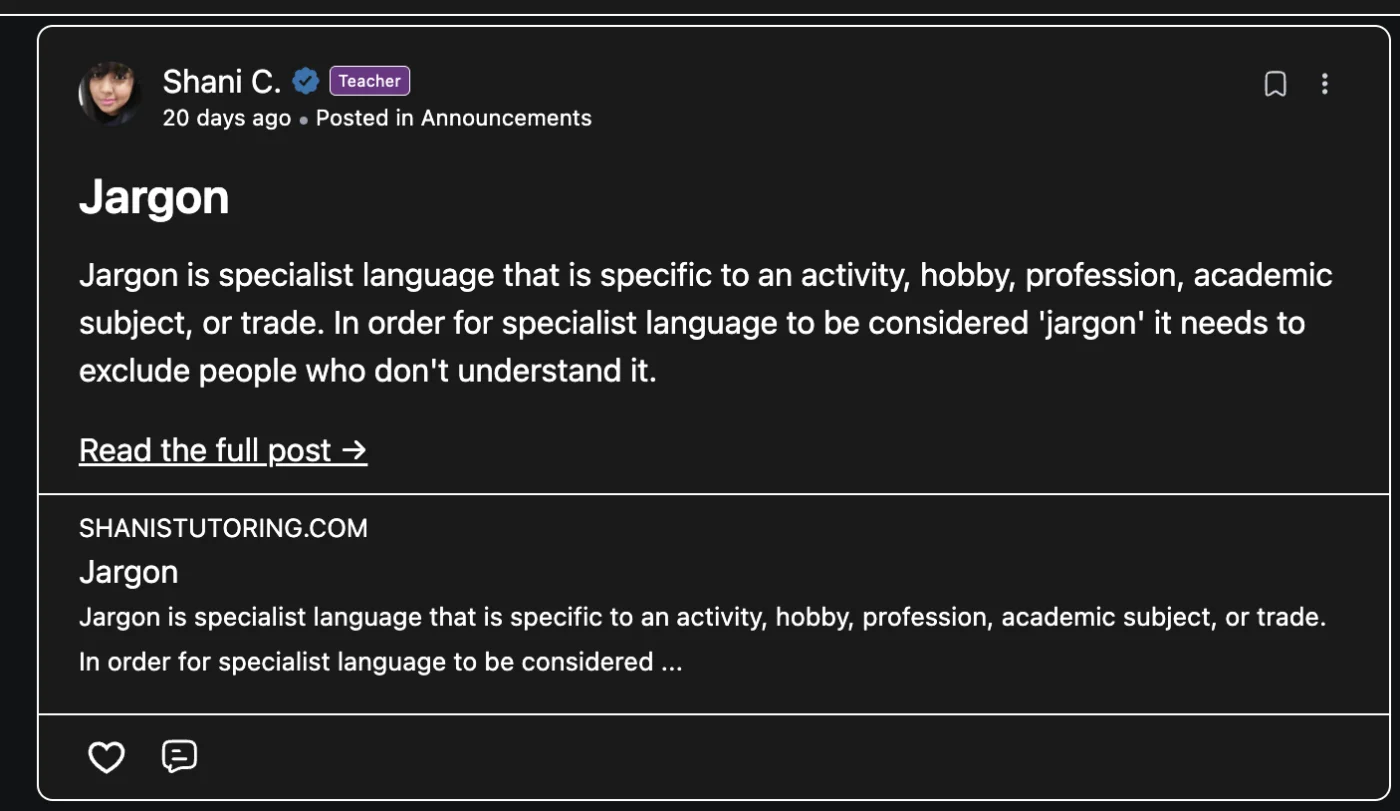
Shani Cipro Your CLT glossary only contains 4 terms (https://shanistutoring.com/glossary/), so the Grices Maxims doesn't exist in Clever Linked Terms but it does still exist from another glossary. Most likely the mix up is how it's associated by plugin prefix and using the same slug.
My advice is to enable the old one, export the terms and associated data, then disable it. Then enable CLT and import those terms. It should then work properly.
Just an fyi, I would avoid reusing a slug for different plugins.
Jeff Brigman Ahh my big problem at the moment is that because my glossary posts are massive articles, clever linked terms is counting every paragraph of a term as its own separate term when I'm exporting!
Jeff Brigman I've uploaded them all to linked terms and deleted cmttg now but fr some reason they're still not linking